
Drivers
Get driver
Retrieve a single driver record by ID from Alvys, including license details, contact info, pay setup, home terminal, and current employment status.
GET
Get driver
The endpoint for retrieving a driver by ID requires specifying the driver’s unique ID and the API version in the URL path. This ensures that your application interacts with the correct driver’s data and the appropriate version of the API, providing stability and compatibility as the API evolves. For more information on how versioning works and how to include it in your requests, please refer to the Versioning page.
Replace
Request Parameters
The following parameters are required in the URL path:Example CURL request
{version} with the API version number, {id} with the actual driver ID, and YOUR_ACCESS_TOKEN with your actual Bearer token:
Response Parameters
The following table lists the parameters included in the response for driver-related requests.Example Response
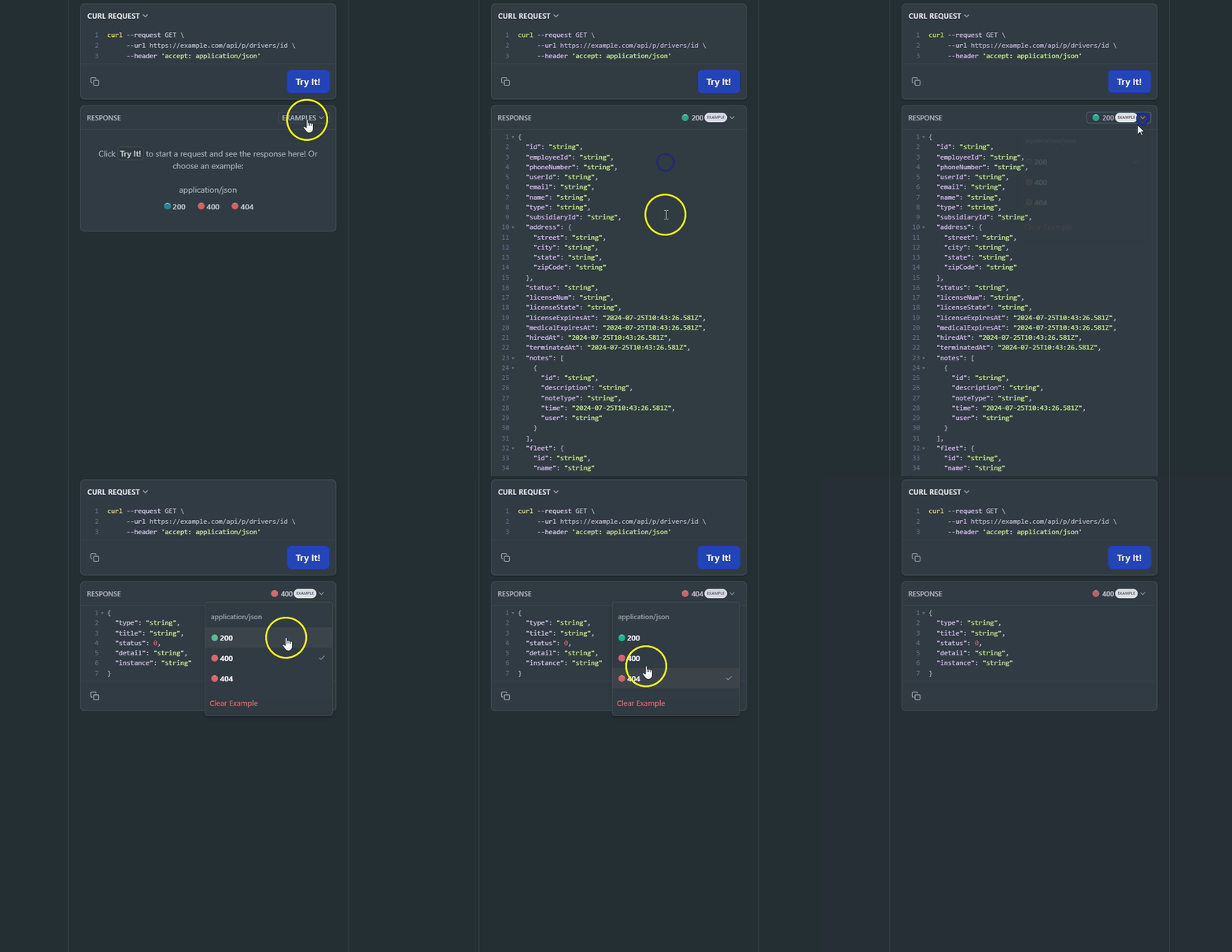
On the right side, you can see examples of different error codes by clicking “Example” and selecting the response code.Rate Limits
All endpoints are subject to rate limits to protect the API from traffic spikes. For detailed information on rate limits, please refer to the Rate Limits section. This page is interactive, allowing you to try a request by providing the driver ID in the URL path. As you fill out the parameters, the Curl command on the right side of the page will be automatically updated. Alternatively, you can directly edit the Curl command. Make sure to authorize yourself before trying a request.Authorizations
OAuth 2.0 client-credentials access token. Obtain one from https://auth.alvys.com/oauth/token (grant_type=client_credentials, audience=https://api.alvys.com/public/), then paste it here. The playground sends it as Authorization: Bearer <token>.
Path Parameters
API version (e.g., 1.0)
Example:
"1.0"
Response
OK