
Tolls
Search toll transactions
Search toll transactions with paginated POST filters — transponder, driver, unit, plaza, date range, and amount, returning per-transaction detail.
POST
Search toll transactions
This endpoint provides detailed information about each toll transaction that matches the search criteria, facilitating efficient management and retrieval of toll transaction records.
The Search Toll Transactions API endpoint allows you to search for toll transactions within the Alvys system based on various criteria such as transponder ID, unit IDs, and date range. This endpoint provides detailed information about each toll transaction that matches the search criteria, facilitating efficient management and retrieval of toll transaction records.
Parameter Type Required Description Page Integer Yes The page number to retrieve. PageSize Integer Yes The number of results per page.
PageSize must be greater than 0. TransponderId String Conditionally The transponder ID used for the toll transactions. This field is required if the other conditionally required fields are left empty. UnitIds Array of Strings Conditionally A list of unit IDs to filter by. This field is required if the other conditionally required fields are left empty. DateRange Object Conditionally The date range for the toll transactions. This field is required if the other conditionally required fields are left empty. DateRange.Start String (Date-Time) Conditionally The start date of the transaction range. This field is required if the other conditionally required fields are left empty. DateRange.End String (Date-Time) Conditionally The end date of the transaction range. This field is required if the other conditionally required fields are left empty. 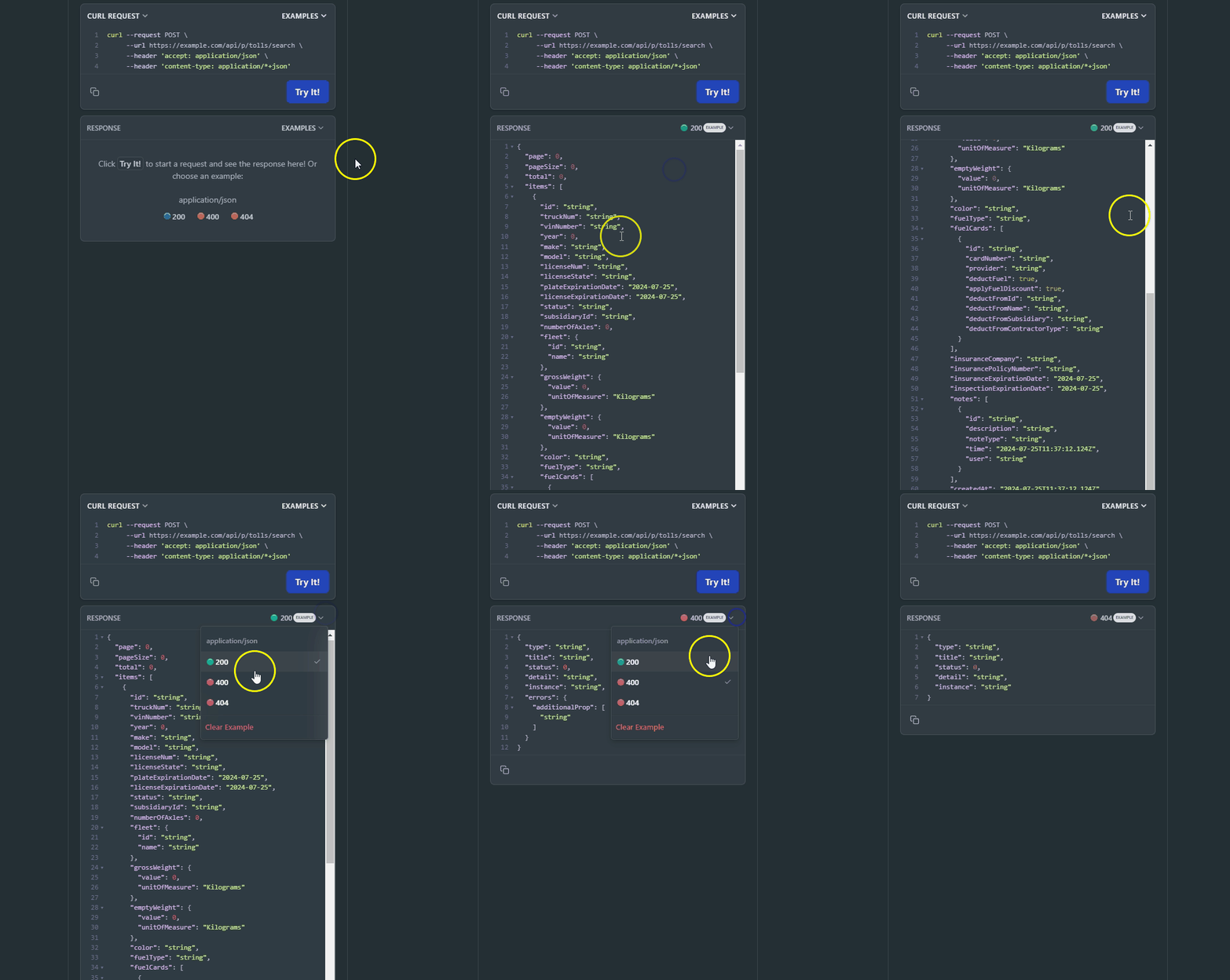
Request Parameters
The following parameter is required in the URL path:Request Body
The following fields are required in the request body to filter the search results:<Table>
PageSize must be greater than 0.
</Table>
Example CURL request
Use the Current API version number and make sure to replace the Authorization header value with your actual Bearer token for the request:Response Parameters
The following table lists the parameters included in the response for toll transaction search requests:Example Response
On the right side, you can see examples of different error codes by clicking “Example” and selecting the response code.Rate Limits
All endpoints are subject to rate limits to protect the API from traffic spikes. For detailed information on rate limits, please refer to the Rate Limits section. This page is interactive, allowing you to try a request by specifying the API version in the URL path and providing the necessary request body. As you fill out the parameters, the Curl command on the right side of the page will be automatically updated. Alternatively, you can directly edit the Curl command. Make sure to authorize yourself before trying a request.Authorizations
OAuth 2.0 client-credentials access token. Obtain one from https://auth.alvys.com/oauth/token (grant_type=client_credentials, audience=https://api.alvys.com/public/), then paste it here. The playground sends it as Authorization: Bearer <token>.
Path Parameters
API version (e.g., 1.0)
Example:
"1.0"