
Users
Search users
Search Alvys user accounts with paginated POST filters — name, email, role, subsidiary access, and enabled or disabled account status.
POST
Search users
The Search Users API endpoint allows users to search for specific user accounts within the Alvys system based on a keyword. This endpoint helps administrators efficiently find and manage user data by providing detailed information about users matching the search criteria.
Parameter Type Required Description Page Number Yes The page number for pagination. PageSize Number Yes The number of results per page.
PageSize must be greater than 0. Keyword String No The keyword to search for in user data. 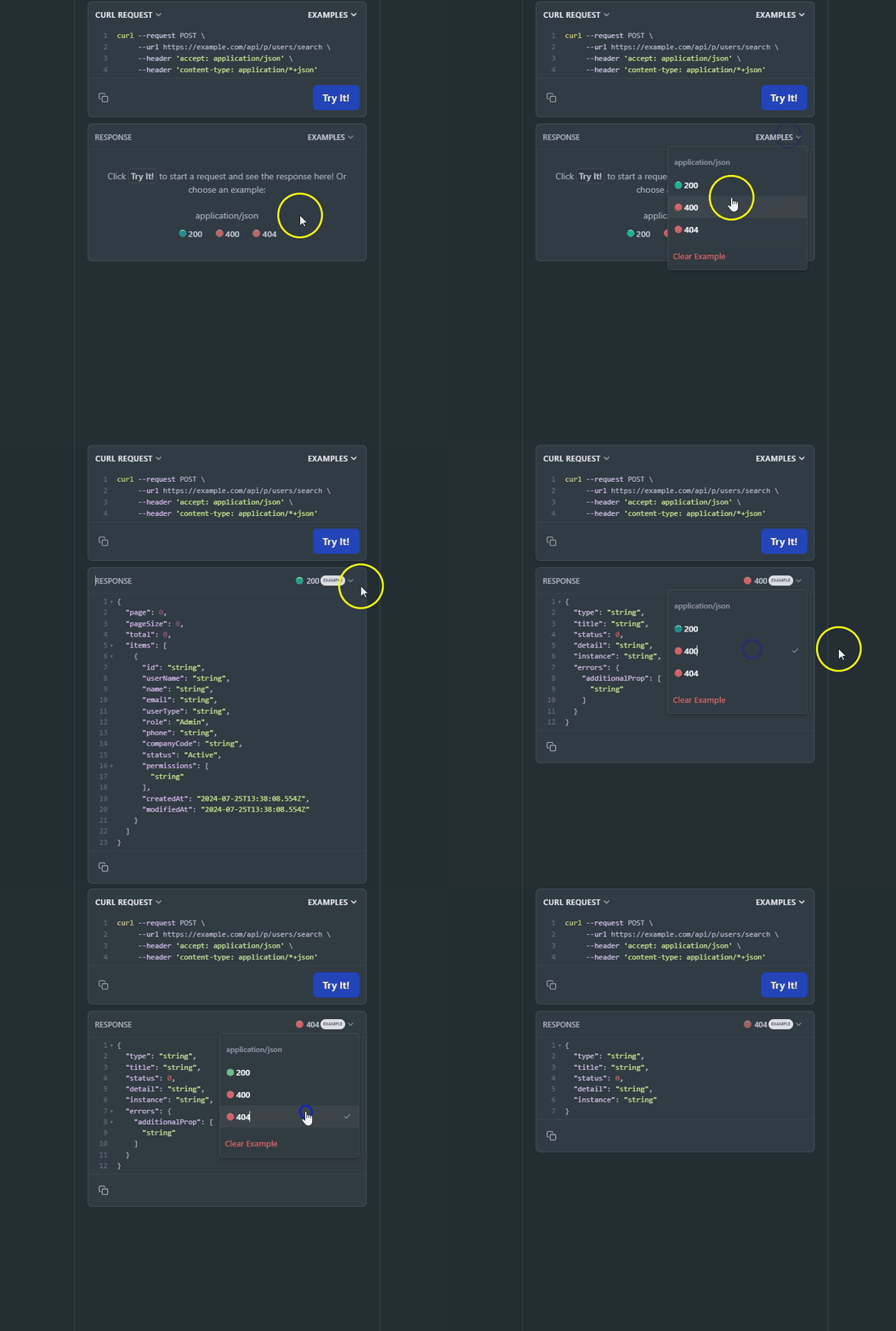
Request Parameters
The following parameter is required in the URL path:Request Body
The request body must include the following parameters:<Table>
PageSize must be greater than 0.
</Table>
Example CURL request
Use the Current API version number and make sure to replace the Authorization header value with your actual Bearer token for the request:Response Parameters
The response contains a list of users matching the search criteria, each represented by the following parameters:Example Response
On the right side, you can see examples of different error codes by clicking “Example” and selecting the response code.Rate Limits
All endpoints are subject to rate limits to protect the API from traffic spikes. For detailed information on rate limits, please refer to the Rate Limits section. This page is interactive, allowing you to try a request by completing the fields for the parameters below. As you fill out the parameters, the Curl command on the right side of the page will be automatically updated. Alternatively, you can directly edit the Curl command. Make sure to authorize yourself before trying a request.Authorizations
OAuth 2.0 client-credentials access token. Obtain one from https://auth.alvys.com/oauth/token (grant_type=client_credentials, audience=https://api.alvys.com/public/), then paste it here. The playground sends it as Authorization: Bearer <token>.
Path Parameters
API version (e.g., 1.0)
Example:
"1.0"