
Overview
Alvys offers several layout options for the design of driver paystubs, owner operator paystubs, and truck paystubs. The active layout is applied whenever a paystub is generated. The preferred layout can be changed at any time.How It Works
The active paystub layout is stored at the company level and applied automatically whenever a paystub is generated. The process of generating paystubs remains unchanged; the system checks the active layout in the background. Changing the layout takes effect for paystubs generated after the change and does not alter paystubs that were already produced. The same active layout applies to all Driver, Owner Operator, and Truck paystubs across the company.How to Use It
You must have the Admin or PartnerAdmin role to access Company Profile settings.- Click your user profile icon in the bottom left corner of Alvys.
- Select Company Profile from the menu.
- On the Company Profile page, click the General Info tab.
-
Scroll to the bottom of the tab to find the Driver Paystub Templates section.
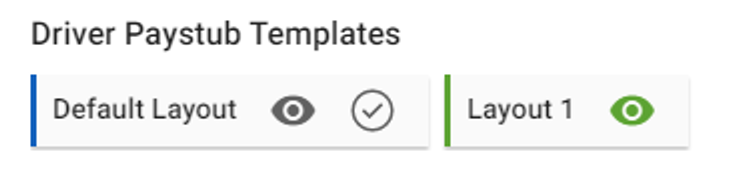 Image showing the Driver Paystub Templates section in Company Profile > General Info, with layout cards visible
- To preview a layout before selecting it, click the eye icon on any layout card.
- To select a layout, click the tick icon on the layout card you want to activate.
-
Click Yes on the confirmation screen to confirm your selection.
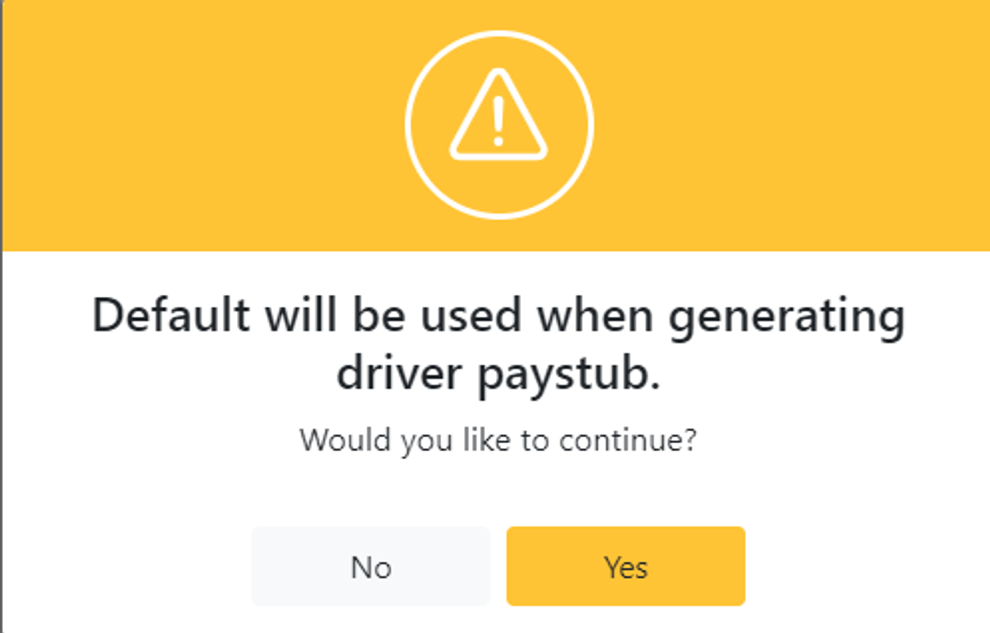 Image showing the confirmation screen after clicking the tick icon to select a paystub layout