
When submitting an invoice (also called billing or sending a bill) by email, the error “Unexpected character encountered while parsing value” means the invoice file exceeds the 10 MB limit; compress the file and resend.
Symptom
When you submit an invoice through Batch Invoicing using email delivery, the following error appears: “Unexpected character encountered while parsing value.” The invoice is not sent and the load remains in Queued or Released status.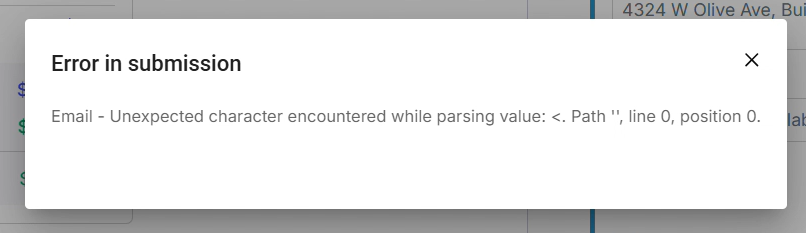 Screenshot of the error message displayed during invoice submission
Cause
The invoice PDF exceeds the 10 MB file size limit enforced during email submission. A file over this limit causes the email parsing process to fail before the invoice is delivered to the customer.Resolution
- Check the invoice file size. Open the invoice PDF from the load and confirm whether it exceeds 10 MB. If the file is under 10 MB and the error still appears, go to “If That Didn’t Work” below.
- Compress the invoice file. Use a PDF compression tool to reduce the file below 10 MB. Verify the compressed file is still legible before proceeding.
- Resend the invoice. Return to Batch Invoicing, locate the load, attach or regenerate the compressed invoice document, and resubmit using Create & Send or Send Invoice.
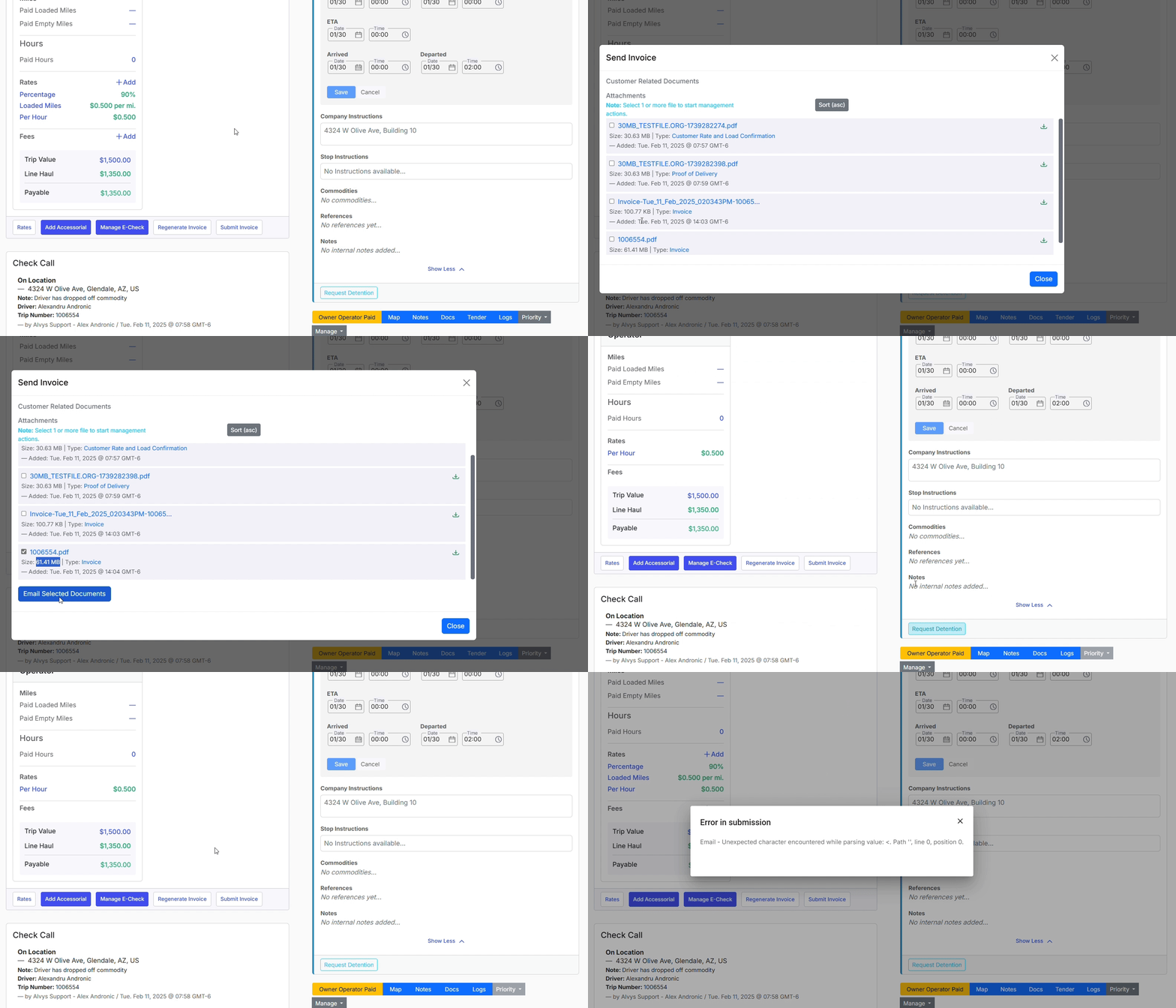 GIF showing the step of resubmitting a compressed invoice from the Queued tab