
Overview
Linehaul rate types control how Alvys calculates the line haul amount (also called the linehaul charge or freight rate) on a** load**. Every load in Alvys has a line haul charge in the Money Box, and the rate type you select determines how that charge is calculated. Alvys supports four rate types: Flat, Distance, Weight, and Volume. The rate type is selected in the Money Box on the load. The Money Box is also where accessorial charges, fuel surcharges, and other customer-facing amounts are configured.Where to Find It
Navigate to the load detail page and open the Money Box. The rate type selector appears on the Line Haul row.Key Concepts
Flat
A fixed dollar amount for the entire load. Alvys does not multiply the amount by any distance, weight, or volume value. Use Flat when the rate is negotiated as a total lump sum.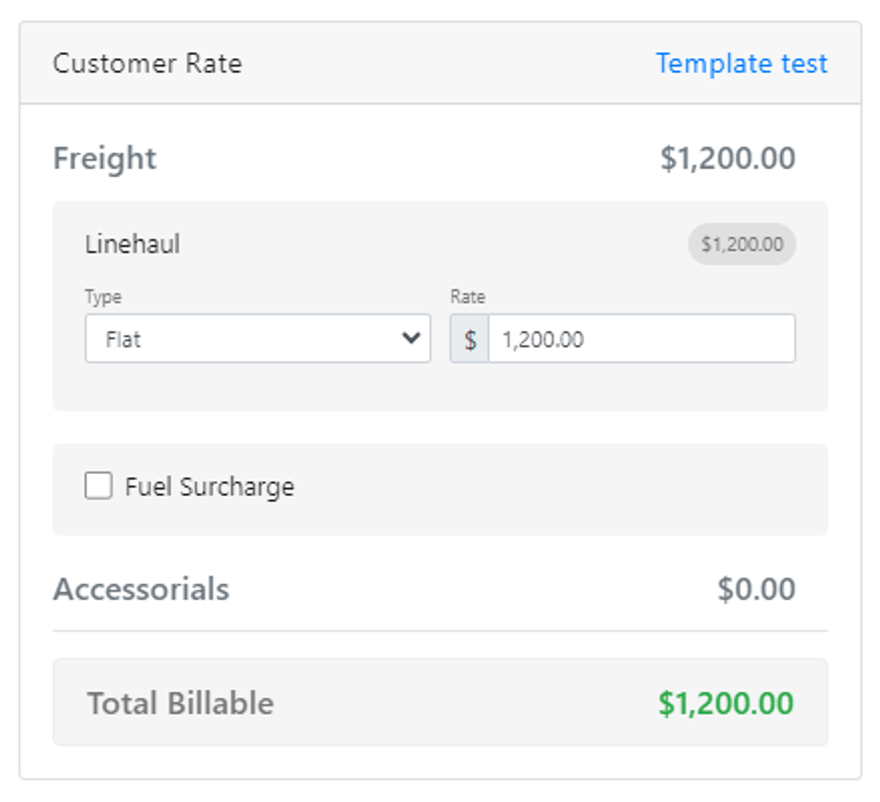 Money Box showing the Flat rate type selected with a fixed dollar amount entered.
Distance
A rate per mile multiplied by the distance Alvys calculates for the load. Alvys pulls the calculated mileage from the load’s routing. If you need to override the mileage, enter the mileage manually on the load before saving the Money Box.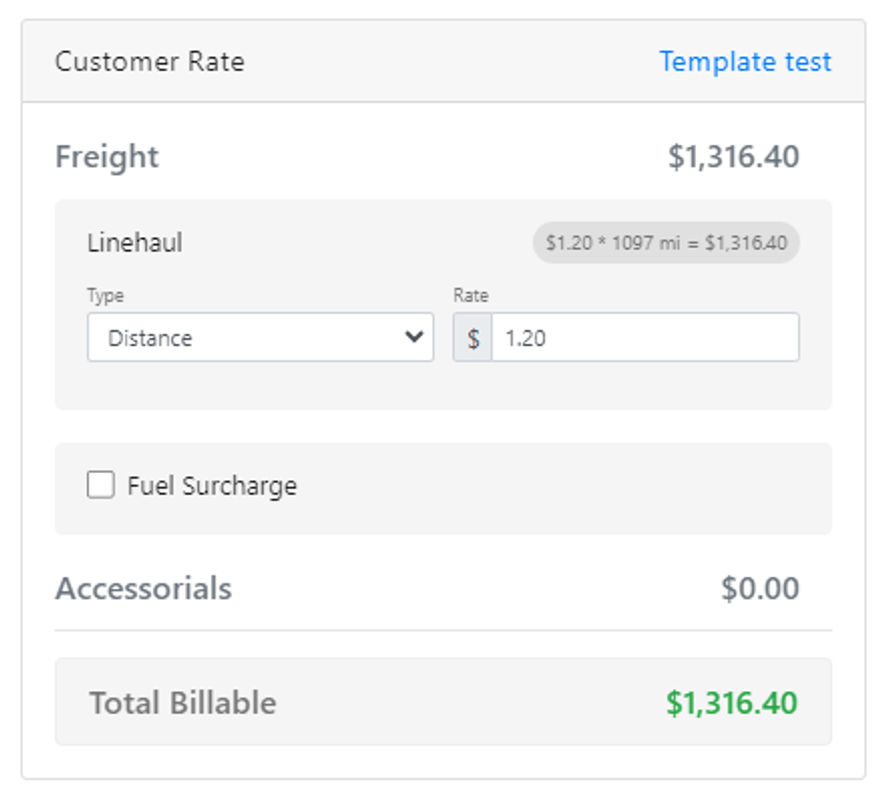
- Money Box showing the Distance rate type selected, with the rate-per-mile field and the calculated mileage displayed.*
Weight
A rate per unit of weight multiplied by the weight entered on the load. Weight must be entered on the load for this rate type to calculate.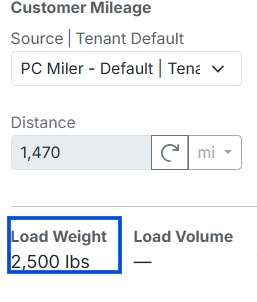 Image showing load weight field on load details page
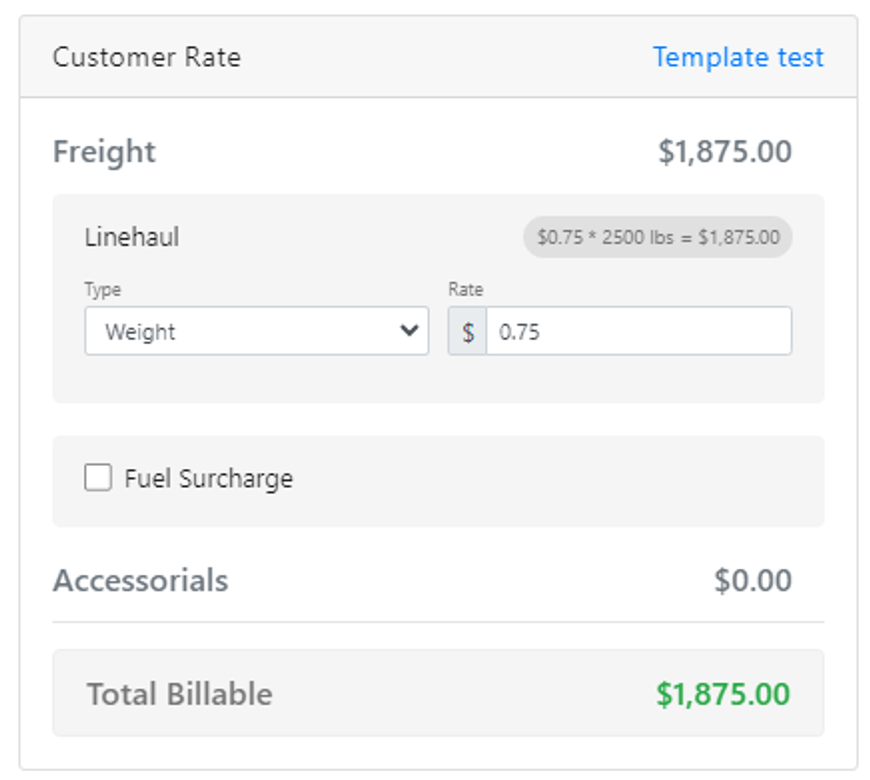 *Money Box showing the Weight rate type selected with the rate-per-unit field and the weight field. *
Volume
A rate per unit of volume multiplied by the volume entered on the load. Volume must be entered on the load for this rate type to calculate.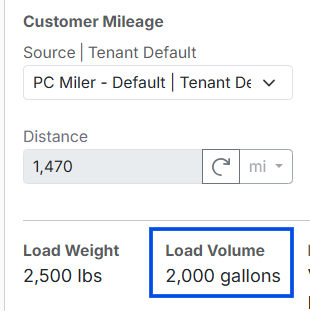 Image showing load volume field on load details page
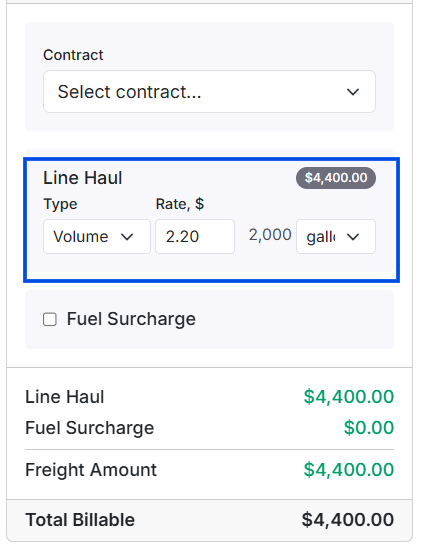 *Money Box showing the Volume rate type selected with the rate-per-unit field and the volume field. *
Rate contracts
If the load is linked to a customer contract, Alvys can pull the line haul rate from the contract automatically. The contract rate populates the Money Box rate field. You can override it manually if needed. The rate type set on the contract determines which rate type appears on the load. See the Contracted Rates Help Center Article for more details on configuring contracted rates.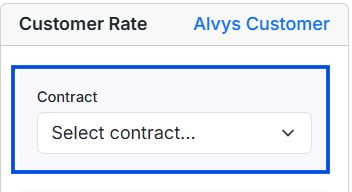 Money Box showing a contract rate dropdown
How to Use It
To set or change the line haul rate type on a load, open the load, navigate to the Money Box, and select the rate type on the Line Haul row. Enter the rate and any required input (mileage, weight, or volume) and save.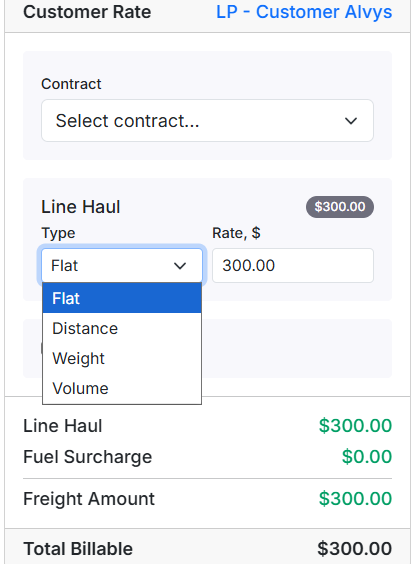 *Money Box with a rate type selected *
Settings & Permissions
- “EditCustomerRate”: required to add or change the rate type and rate amount in the Money Box. Users without this permission can view the Money Box but cannot change rate types or amounts.
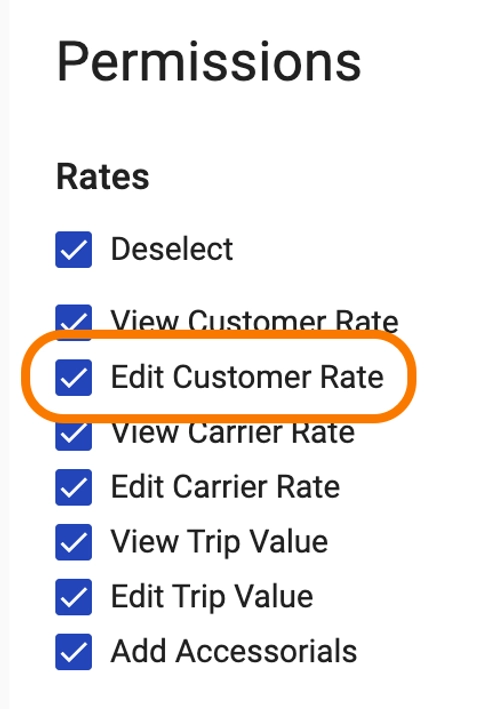 User profile - Edit Customer Rate permissions.
Limits & Behavior
- Changing the rate type on an existing load recalculates the line haul amount immediately. If the load has already been released to billing, confirm that the billing team is aware of any amount change before saving.
- If the load uses a contract rate and you manually override the amount, the override applies to that load only. The contract rate is not changed.
- Distance rate types use the mileage Alvys calculates from the load’s routing by default. Manually entered mileage takes precedence over calculated mileage.
- Weight and Volume rate types require the corresponding input to be non-zero. If the input is missing or zero, the line haul amount will be $0.00. Enter the weight or volume on the load before finalizing the Money Box.