
| Time | Status | User Agent | |
|---|---|---|---|
Retrieving recent requests… | |||
The Retrieve Toll Transaction by ID API endpoint allows you to retrieve detailed information about a specific toll transaction using its unique ID. This endpoint provides comprehensive data about the toll transaction, facilitating effective tracking and management within the Alvys system.
Request Parameters
The following parameters are required in the URL path:
| Parameter | Type | Required | Description |
|---|---|---|---|
| version | String | Yes | The API version to use. |
| id | String | Yes | The unique identifier of the toll transaction. |
Example CURL request
curl --location 'https://integrations.alvys.com/api/p/v{version}/tolls/{id}' \
--header 'Authorization: Bearer YOUR_ACCESS_TOKEN'
Replace {version} with the API version number, {id} with the actual toll ID, and YOUR_ACCESS_TOKEN with your actual Bearer token:
curl --location 'https://integrations.alvys.com/api/p/v1/tolls/00c8d000-00c0-0000-ba60-000e0f0e0ae0' \
--header 'Authorization: Bearer eyJhbGciOiJSUzI1NiIsInR5cCI6IkpXVCJ....'
Response Parameters
The following table lists the parameters included in the response for toll transaction-related requests:
| Parameter | Type | Required | Description |
|---|---|---|---|
| Id | String | Yes | The unique identifier of the toll transaction. |
| SubsidiaryId | String | No | The subsidiary ID associated with the transaction. |
| TransactionId | String | No | The external transaction ID from the toll provider. |
| TransponderId | String | No | The transponder ID associated with the transaction. |
| Source | String | Yes | The toll provider (e.g., PrePass, BestPass, IPass). |
| Agency | String | Yes | The tolling agency that issued the transaction. |
| UnitId | String | No | The Alvys unit ID associated with the transaction. |
| UnitNumber | String | No | The unit number associated with the transaction. |
| LicenseState | String | No | The state where the vehicle is licensed. |
| LicensePlate | String | No | The license plate of the vehicle. |
| PrePaid | Boolean | Yes | Indicates whether the toll was prepaid. |
| Service | String | No | The toll road or service (e.g., Texas Toll Roads, PA Turnpike). |
| CostCenter | String | No | The cost center associated with the transaction. |
| EntryLane | String | No | The lane used at entry. |
| EntryPlazaId | String | No | The identifier of the entry plaza. |
| EntryPlazaName | String | No | The name of the entry plaza. |
| EntryTime | String (Date-Time) | No | The date and time of entry. |
| ExitLane | String | No | The lane used at exit. |
| ExitPlazaId | String | No | The identifier of the exit plaza. |
| ExitPlazaName | String | No | The name of the exit plaza. |
| ExitTime | String (Date-Time) | No | The date and time of exit. |
| FormattedLocation | String | No | The formatted location of the toll transaction. |
| Amount | Object | Yes | The toll amount. |
| Amount.Amount | Number | Yes | The monetary value of the toll. |
| Amount.Currency | Integer | Yes | The currency identifier of the toll amount. |
| RunningBalance | Object | No | The running account balance after the transaction. |
| RunningBalance.Amount | Number | No | The monetary value of the running balance. |
| RunningBalance.Currency | Integer | No | The currency identifier of the running balance. |
| Fee | Object | No | The fee charged for the transaction. |
| Fee.Amount | Number | No | The monetary value of the fee. |
| Fee.Currency | Integer | No | The currency identifier of the fee. |
| PostedAt | String (Date-Time) | No | The date and time when the transaction was posted. |
| TransactionDate | String (Date-Time) | Yes | The date and time when the toll transaction occurred. |
Example Response
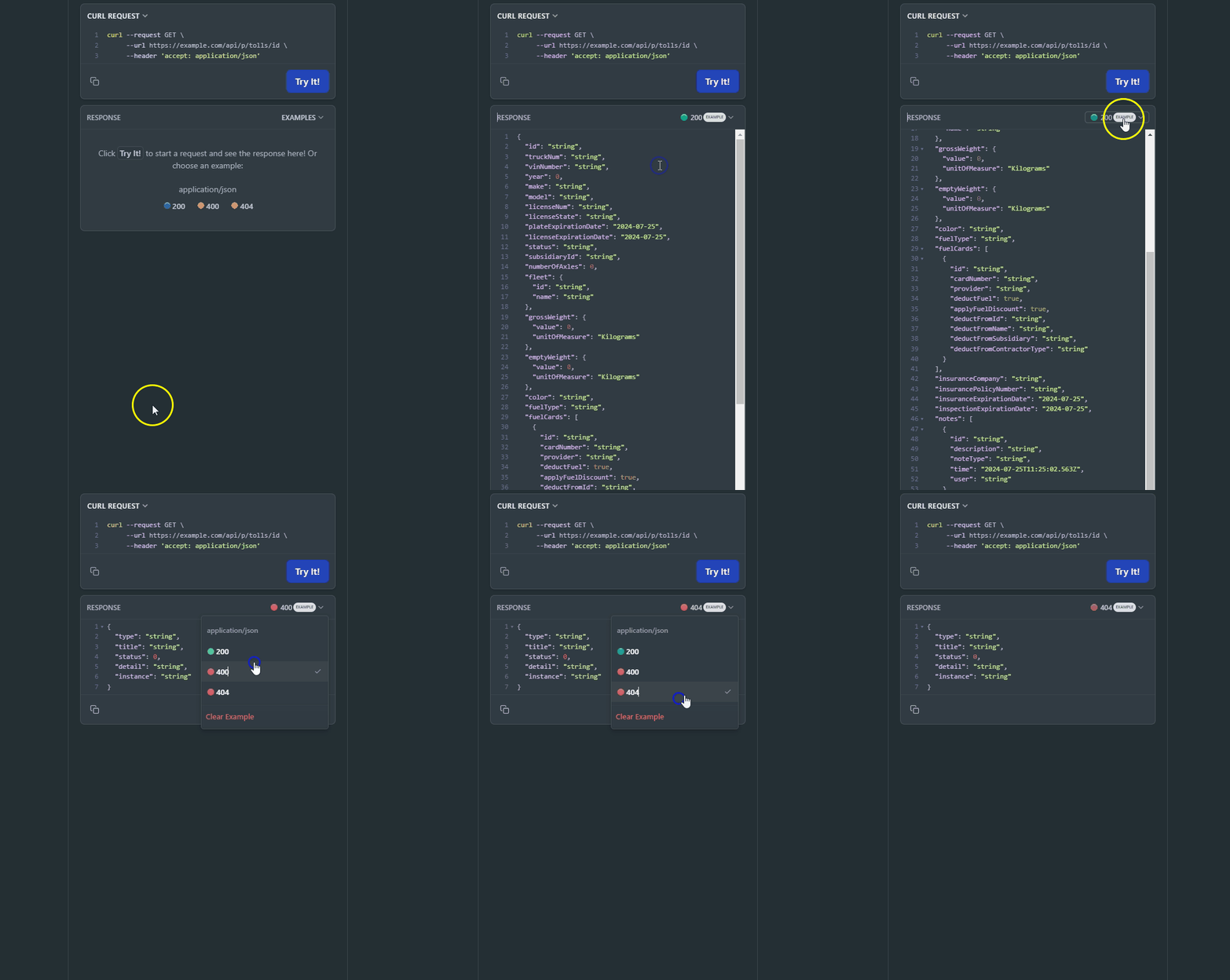
On the right side, you can see examples of different error codes by clicking "Example" and selecting the response code.
Rate Limits
All endpoints are subject to rate limits to protect the API from traffic spikes. For detailed information on rate limits, please refer to the Rate Limits section.
This page is interactive, allowing you to try a request by providing the toll transaction ID in the URL path. As you fill out the parameters, the Curl command on the right side of the page will be automatically updated. Alternatively, you can directly edit the Curl command. Make sure to authorize yourself before trying a request.